We have added keyboard shortcuts, collaborative cursor labels, updated lint support, and more to the editor.
Keyboard Shortcuts
The editor now supports a wide range of keyboard shortcuts that cover most of the shortcuts available in modern editors like VSCode and Sublime Text.
Here are some highlights:
-
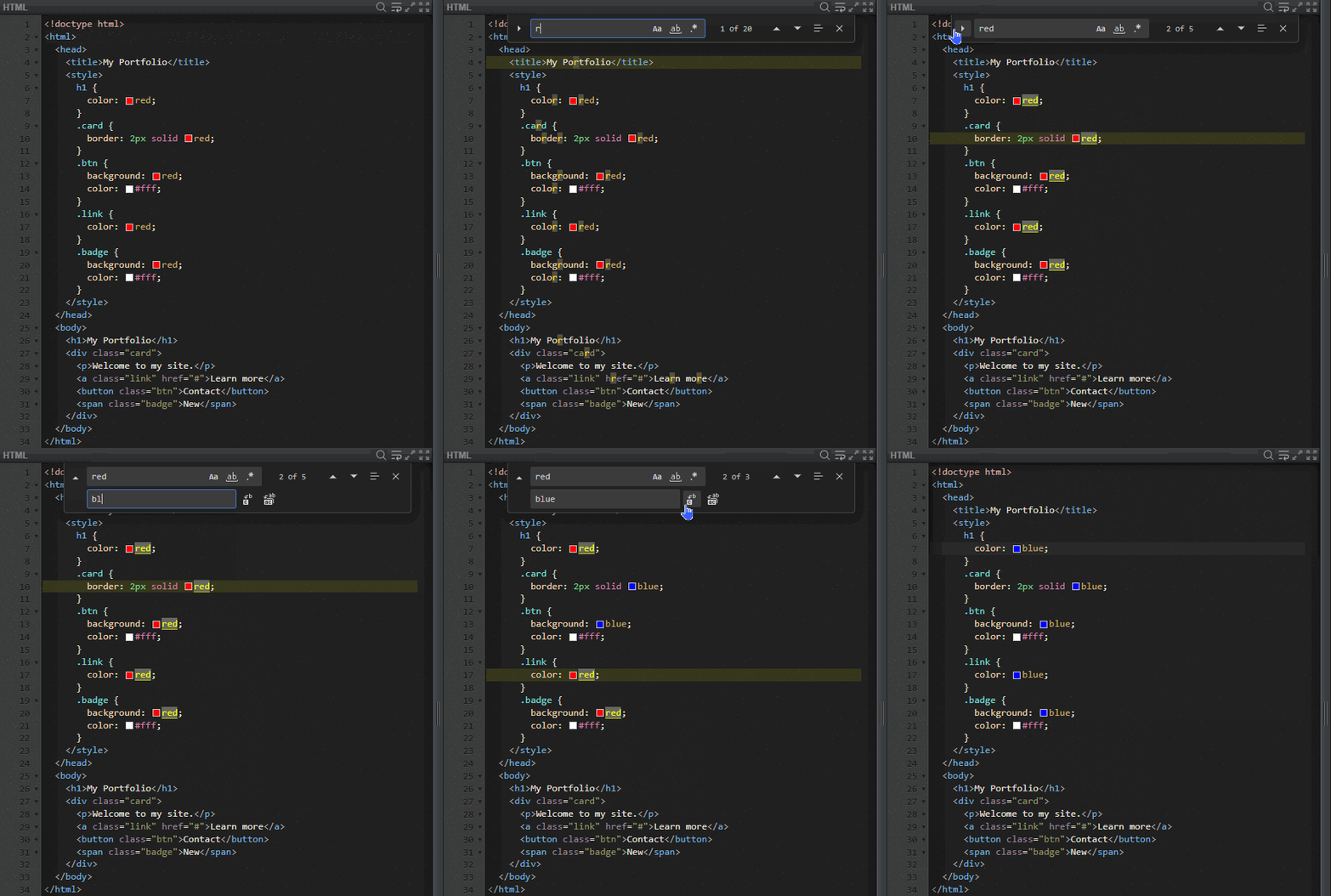
Search and Replace —
Press Ctrl+F or click the Search icon to open the search panel and Ctrl+H to open find-and-replace,
right inside the editor.
-
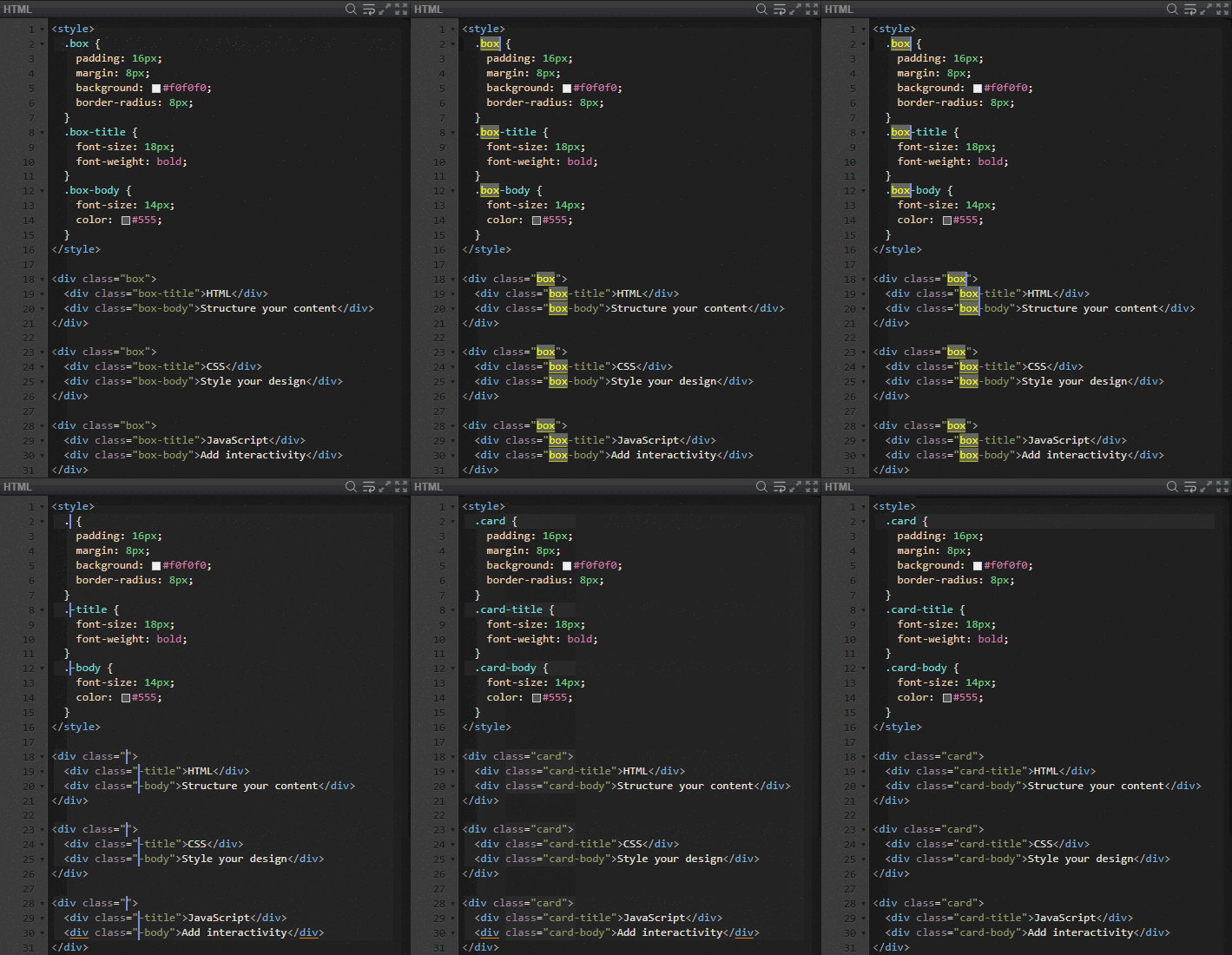
Multi-Cursor Editing —
Select a word, then press Ctrl+D to select the next occurrence.
Repeat to add more cursors and edit multiple locations at once.
Press Esc to exit multi-cursor mode.
You can also press Ctrl+Alt+Up / Ctrl+Alt+Down to add cursors above or below.
- Matching Bracket & Tag Highlighting — The editor now highlights matching brackets and corresponding HTML tags as you move the cursor, making it easier to see code structure at a glance.
-
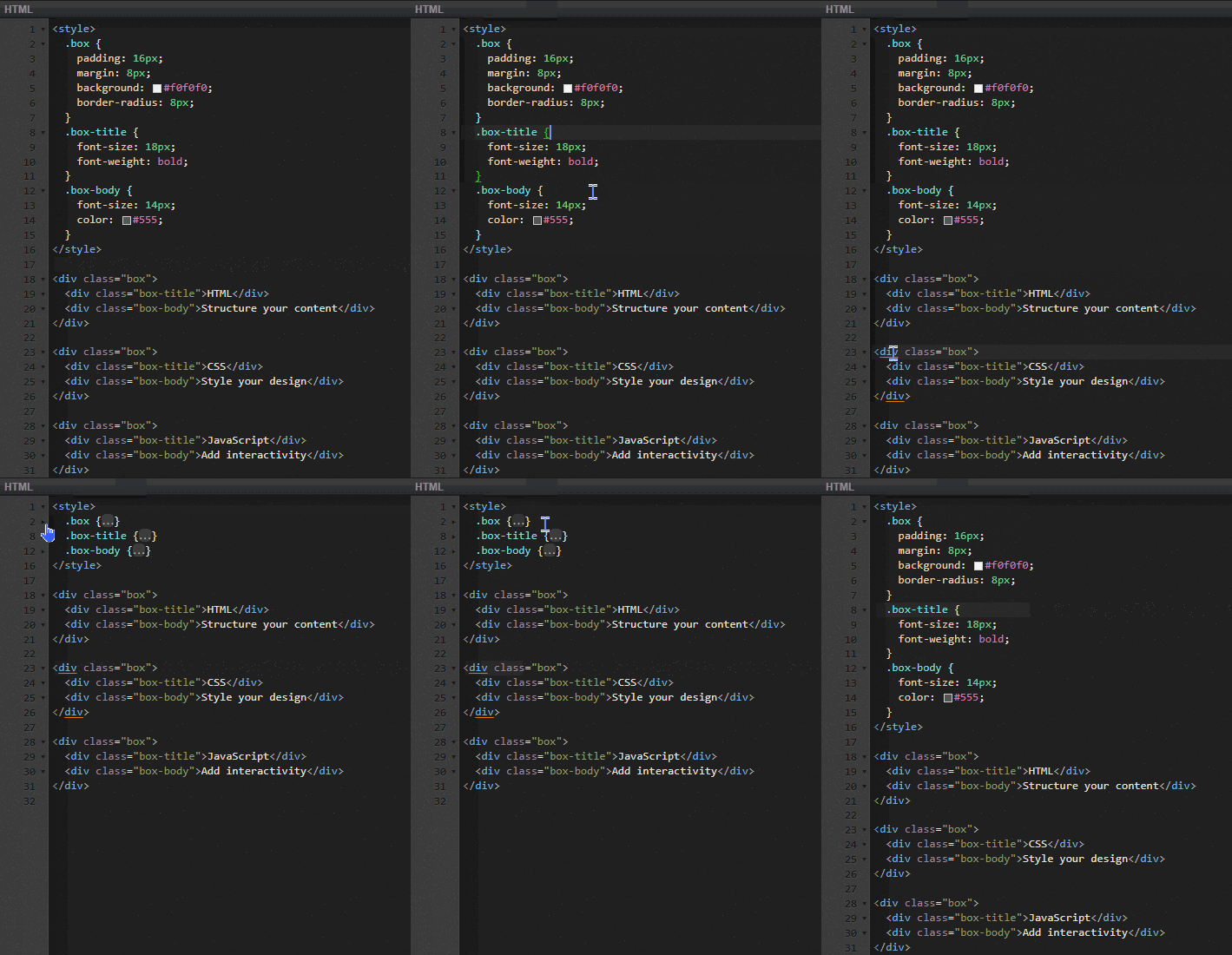
Code Folding —
Fold and unfold code blocks (brackets, tags, etc.) using
Shift+Ctrl+[ / Shift+Ctrl+],
or fold everything with Ctrl+K → Ctrl+1.
- And more — Line sorting, text transforms (uppercase/lowercase), duplicate line, move line up/down, toggle comments, and many other useful shortcuts are now available.
You can view the full list of supported shortcuts by clicking "Keyboard Shortcuts" at the bottom of the editor.
Collaborative Cursor Labels
When collaborating in a shared room via "Enable Sharing", other users' cursors now display a name label alongside them.
Previously, the only way to identify who was editing was by their assigned user color. Now, each cursor shows the user's display name as a tooltip, making it much easier to tell who is working where.
Cursor labels are visible while a user is actively editing. When a user's focus moves away, their cursor and label will fade out to keep the editor clean.
Updated CSS Lint
The CSS linter has been updated to support modern CSS syntax, including:
- Nesting
- Grid layout properties
- The
:has()pseudo-class and other complex selectors - Modern functions like
color-mix()andhwb()
If you previously saw false lint warnings when using newer CSS features, those should now be resolved.
Updated JavaScript Lint
The JavaScript linter has also been updated to support recent syntax up to ES2022 (ES13), including:
- Logical assignment operators (
??=,&&=,||=) - Private class fields (
#field) - Other modern JavaScript features
Learn Page
We have launched a new Learn page for learning web technologies such as HTML, CSS, and JavaScript.
The first article, "What is HTML?", is now available. While there are only a few articles so far, we plan to add more over time — including beginner-friendly guides, advanced techniques, and tips for getting the most out of SyncFiddle. Feel free to check it out!
Other Improvements
The editor layout now adapts better to smaller screens, providing basic responsive support for mobile devices.
As always, thank you for using SyncFiddle.